Mar 18, 2026
Facebook Ads Not Calling
You've boosted a few posts. Maybe even set up a proper campaign in Ads Manager. You've spent a few hundred quid — maybe more — and the results are... nothing. No enquiries. No sales. Just likes from people who'll never buy from you. If you're a Belfast or Northern Ireland business owner who's tried
Why Your Facebook Ads Aren't Working (And How to Fix Them)
You've boosted a few posts. Maybe even set up a proper campaign in Ads Manager. You've spent a few hundred quid — maybe more — and the results are... nothing. No enquiries. No sales. Just likes from people who'll never buy from you. If you're a Belfast or Northern Ireland business owner who's tried Facebook ads and concluded they "don't work," the ads aren't the problem. How you're running them is.
Facebook advertising still delivers exceptional results for local businesses when it's done properly. The issue is that most small businesses make the same handful of mistakes that guarantee failure. Here's what's going wrong and how to fix it.
Mistake 1: You're Targeting the Wrong Audience
This is the most expensive mistake you can make. If your ad is showing to the wrong people, it doesn't matter how good it looks — nobody's buying.
Common targeting errors:
Too broad. Targeting "everyone in Belfast aged 18-65" is not a strategy. It's hope dressed up as marketing.
Interest targeting that's too vague. Selecting "business" or "shopping" as interests captures millions of people who have no specific interest in what you sell.
Not using location targeting properly. If you serve a specific area, don't waste budget showing ads to people outside your delivery or service radius.
How to fix it:
Start narrow. Target a specific age range, location radius, and 2-3 highly specific interests.
Use lookalike audiences. Upload your customer email list and let Facebook find similar people. This is one of the most powerful targeting tools available.
Test different audiences. Run the same ad to 2-3 different audience segments and see which performs best.
Use retargeting. Show ads to people who've already visited your website. These are your warmest prospects.
Mistake 2: Your Creative Is Forgettable
The average person scrolls through hundreds of posts per day. Your ad has roughly 1-2 seconds to stop the scroll. If your creative — the image or video — doesn't grab attention instantly, it gets skipped.
Signs your creative is the problem:
You're using stock photos (everyone's seen them)
Your image is cluttered with too much text
The visual doesn't connect to the offer
There's no video in your campaign (video consistently outperforms static images)
How to fix it:
Use video. Even a simple 15-30 second video shot on your phone outperforms most static images. Show your product, demonstrate your service, or talk directly to camera.
Show real people. Your team, your customers (with permission), your workspace. Authenticity beats polish on social media.
One message per ad. Don't try to communicate five things in one image. One clear message. One clear visual.
Test multiple creatives. Run 3-4 different images or videos with the same targeting and copy. Let the data tell you which one works.
A professional social media marketing team knows how to create thumb-stopping content that converts, not just entertains.
Mistake 3: Your Ad Copy Is All About You
"We're Belfast's leading provider of..." Stop. Nobody cares.
Your ad copy should be about the customer's problem, not your credentials. People don't click ads because you're great. They click because you understand their pain and offer a solution.
Bad copy: "ABC Plumbing has been serving Belfast for 20 years. We offer a full range of plumbing services. Call us today!"
Good copy: "Boiler on the blink again? Belfast homeowners — get a same-day fix with no call-out fee. Book online in 60 seconds."
How to write better ad copy:
Lead with the problem or pain point
Present your offer as the solution
Include a specific, compelling reason to act now
Use simple, conversational language
End with a clear call to action
Mistake 4: You Have No Landing Page
This is the silent killer of Facebook ad campaigns. You spend money getting people to click, then send them to... your homepage. Or worse, your Facebook page.
Your homepage wasn't designed to receive ad traffic. It's designed for general browsing. When someone clicks an ad about a specific offer, they need to land on a page that delivers exactly that offer — nothing more, nothing less.
What a good landing page includes:
A headline that matches the ad they clicked
The specific offer or service mentioned in the ad
Social proof (reviews, testimonials, case studies)
A clear, simple form or call-to-action button
No navigation menu (you don't want them wandering off)
Mobile-optimised design
Without a dedicated landing page, you're paying for clicks that go nowhere. It's the biggest waste of ad spend we see.
Mistake 5: You're Not Tracking Conversions
If you don't have the Facebook Pixel installed on your website, you're flying blind. You have no idea which ads led to enquiries, which audience segments convert, or what your cost per lead actually is.
The Pixel tracks what people do after they click your ad — whether they fill in a form, make a purchase, or bounce immediately. Without it, you're optimising based on likes and clicks, which mean absolutely nothing if they don't turn into business.
How to fix it:
Install the Meta Pixel on every page of your website
Set up conversion events (form submissions, purchases, phone calls)
Optimise your campaigns for conversions, not reach or clicks
Use the Pixel data to build retargeting and lookalike audiences
Mistake 6: You Gave Up Too Soon
Facebook ads require testing. Your first campaign will rarely be your best. The algorithm needs data to optimise — typically 50 conversions per week per ad set for optimal performance.
Many businesses run one ad, see mediocre results after three days, and declare Facebook ads don't work. That's not failure — that's impatience.
The right approach:
Budget for 2-4 weeks of testing before expecting reliable results
Test different audiences, creatives, and copy variations
Turn off what doesn't work, scale what does
Give each test enough budget to generate meaningful data (minimum £5-10/day per ad set)
Mistake 7: You're Boosting Posts Instead of Running Proper Campaigns
The "Boost Post" button is Facebook's way of making advertising feel easy. And it is easy — but it's also limited. Boosted posts give you minimal control over targeting, placement, and optimisation.
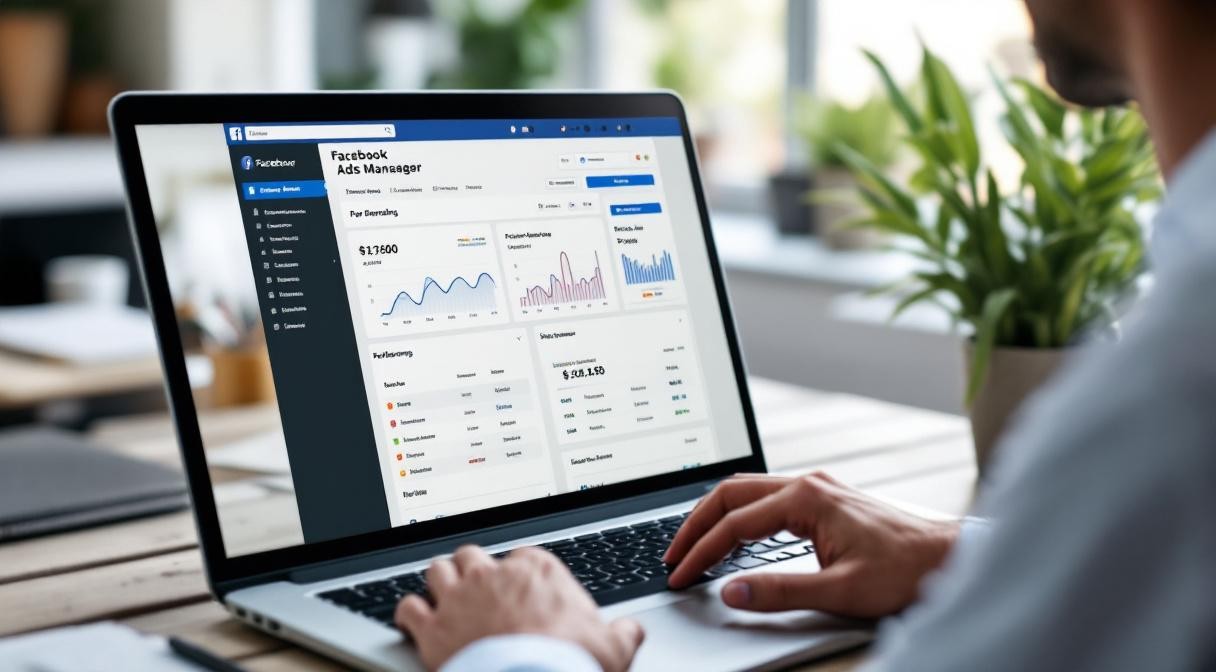
For real results, use Meta Ads Manager. It gives you:
Detailed audience targeting
Campaign objective selection (leads, conversions, traffic)
A/B testing capabilities
Detailed performance analytics
Retargeting options
Boosting a post is like fishing with a net. Ads Manager is a spear. Both catch fish, but one catches the right fish.
What Good Facebook Ads Look Like
A well-run Facebook ad campaign for a local Belfast business should:
Target a specific, well-defined audience
Use compelling creative (preferably video)
Lead with the customer's problem
Drive to a dedicated landing page
Track conversions via the Meta Pixel
Run for long enough to generate data
Be optimised weekly based on performance
When all seven elements are in place, Facebook ads are one of the most cost-effective customer acquisition channels available to small businesses.
Stop blaming the platform. Fix the campaign.
Get your free website review → https://yd-dashboard.vercel.app/free-audit